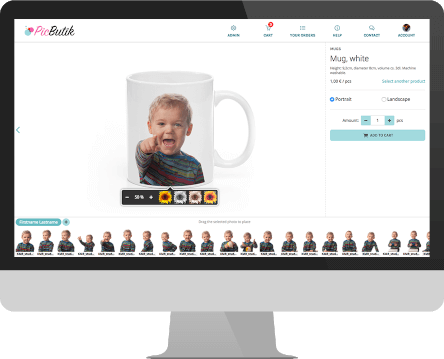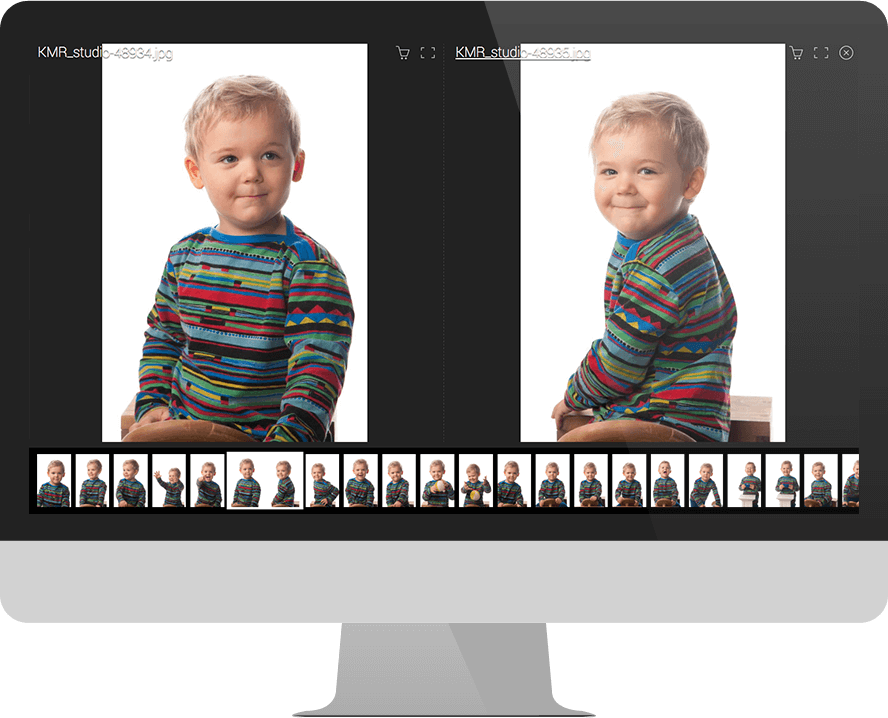
Photocloud is the easiest way to order photos from your photographer online. Just enter your photo code below to sign up for photography or order your photos!
This is a helpful technical guide for commands as they might appear or be relevant to the Season 4, Episode 2 of the Netflix series You (titled "Portrait of the Artist").
steghide embed -cf innocent.jpg -ef encrypted.h264 -p "thepassword" Extract later:
steghide extract -sf book_cover.jpg -p "RhysMontrose" openssl enc -d -aes-256-cbc -in small.enc -out revealed.mp4 -k "Marienne" FFmpeg is legal. Using it to manipulate real surveillance footage without consent or for stalking (like Joe) is not. This guide is purely for fictional recreation or educational purposes. you s04e02 ffmpeg
# Step 1: shrink video ffmpeg -i library_original.mp4 -vf scale=640:-1 -c:a aac small.mp4 openssl enc -aes-256-cbc -salt -in small.mp4 -out small.enc -k "Marienne" Step 3: hide in book cover image steghide embed -cf book_cover.jpg -ef small.enc -p "RhysMontrose" Step 4: verify steghide info book_cover.jpg
ffmpeg -i suspect_clip.mp4 -vf "smartblur=lr=2" blurred_fake.mp4 ffmpeg -i voice_memo.m4a -acodec pcm_s16le -ar 16000 voice_clean.wav 4. Add Audio to Silent Video Loop ffmpeg -i silent_loop.mp4 -i voice_clean.wav -c:v copy -c:a aac -shortest final_memory.mp4 5. Hide Video Inside an Image (Steganography – Simplified) First, encrypt video: This is a helpful technical guide for commands
steghide extract -sf innocent.jpg -p "thepassword" ffmpeg -i extracted_data -c copy recovered.mp4 | Task | Command | |------|---------| | Reverse a clip (trippy effect) | ffmpeg -i clip.mp4 -vf reverse reversed.mp4 | | Speed up (like frantic realization) | ffmpeg -i clip.mp4 -filter:v "setpts=0.5*PTS" fast.mp4 | | Add timestamp burn | ffmpeg -i clip.mp4 -vf "drawtext=text='Library Cam 2':x=10:y=10:fontsize=20:fontcolor=white" dated.mp4 | | Convert to grainy VHS | ffmpeg -i clip.mp4 -vf "noise=alls=20:allf=t+u, eq=brightness=0.1:contrast=1.2" vhs_look.mp4 | | Extract frame every second | ffmpeg -i clip.mp4 -vf fps=1 frames/frame_%04d.png | 🧪 Example: Recreate the USB "Evidence" Scene Joe copies the incriminating video onto a USB, but hides it inside a photo of a library book.
To recover:
ffmpeg -i secret.mp4 -c copy -encryption_scheme cenc -encryption_key 12345678901234567890123456789012 encrypted.h264 Then embed in PNG (requires steghide ):

From the login screen to the photo selection to the shopping cart and payment screens we have worked hard to make the service as beautiful as we can.
Your photos deserve the best presentation possible to drive your sales up! We work relentlessly to make the shopping process as fluid and inspiring as possible while presenting your photos in the best possible way. All while still rigorously protecting your copyrights through various copy protection mechanisms.

Our pricing policy couldn't be simpler. We take 10% of all sales that go through Photocloud. The price is all-inclusive and it does include quite a lot.
Using Photocloud is completely risk-free. If it doesn't generate sales, it doesn't cost you anything.* When your customers order photos through Photocloud they pay their orders online through our payment gateway providers. We deduct 10% from the total sum of the order and pay the rest directly to you every week. If you choose to use one of our photo lab partners to fulfill your orders we deduct their manufacturing and delivery costs automatically also. No more separate bills from every service. What you get is what you get to keep.

Our all-inclusive price covers quite a few features. Here's the full list:
Awesome! We try our hardest to make the best possible toolkit for professional photographers and we're sure you'll like what we have to offer. More than 300 professional photographers already do. Click here to get on board: